Omnio
OmnioIQ · Solutions
Your orders in. Your brand on the delivery.
Send bookings from your store or order system. AgentQ plans them as they arrive, and your customers follow the delivery on a page that looks like yours.
Tracking
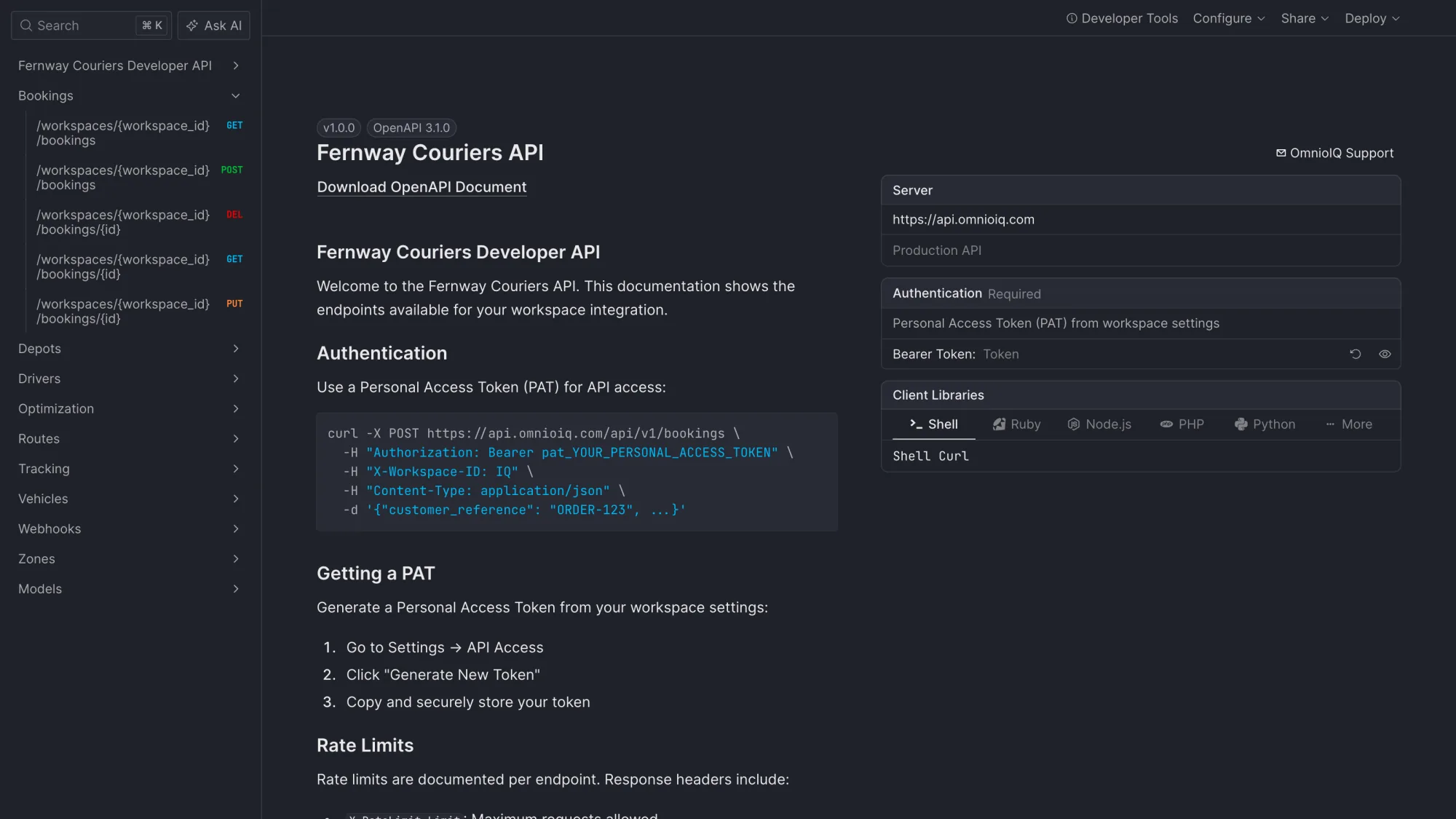
Customers see you, not us.
Your logo and colour sit on the tracking page and the console. Each link carries a long random token, and the customer confirms their postcode before the full address shows.
The map appears close to the ETA, not before.
Orders in, status out
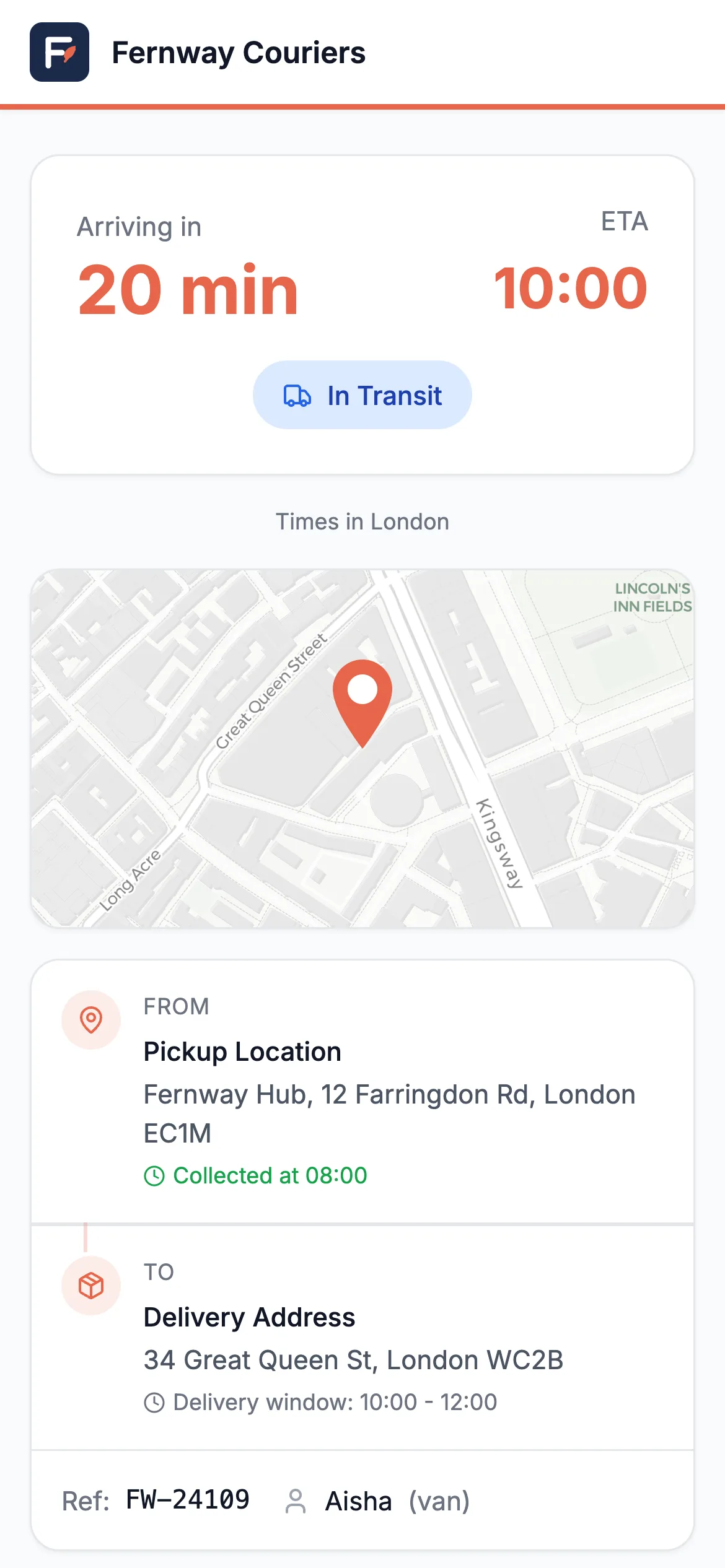
Use the public API.
Create bookings, read routes and tracking, and manage drivers, vehicles, depots and zones through the public API.
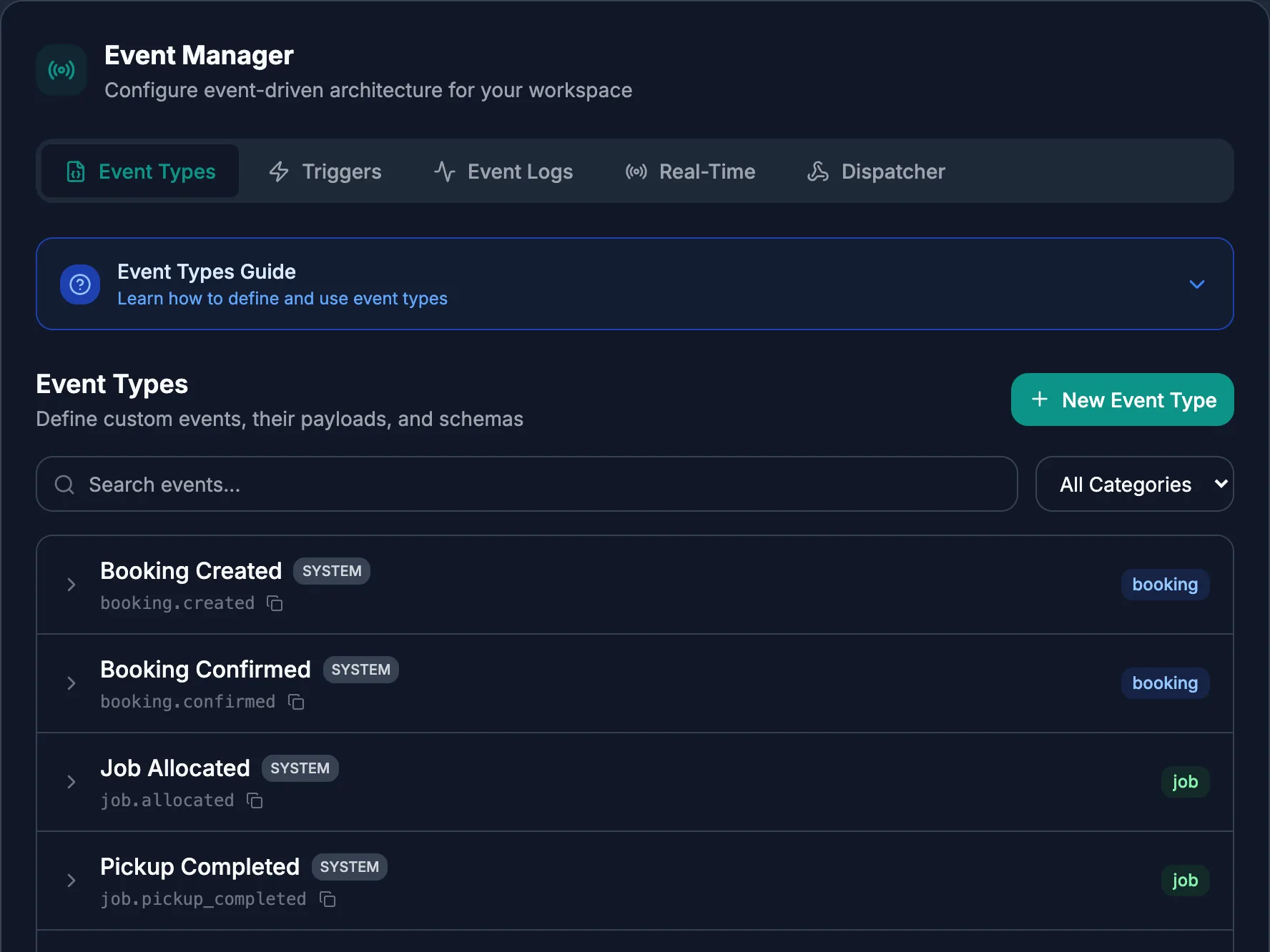
Webhooks tell your systems when things change. Failed calls are retried and each one is signed.
Every workspace has its own docs page.
Windows and priority
A window is a limit, not a hope.
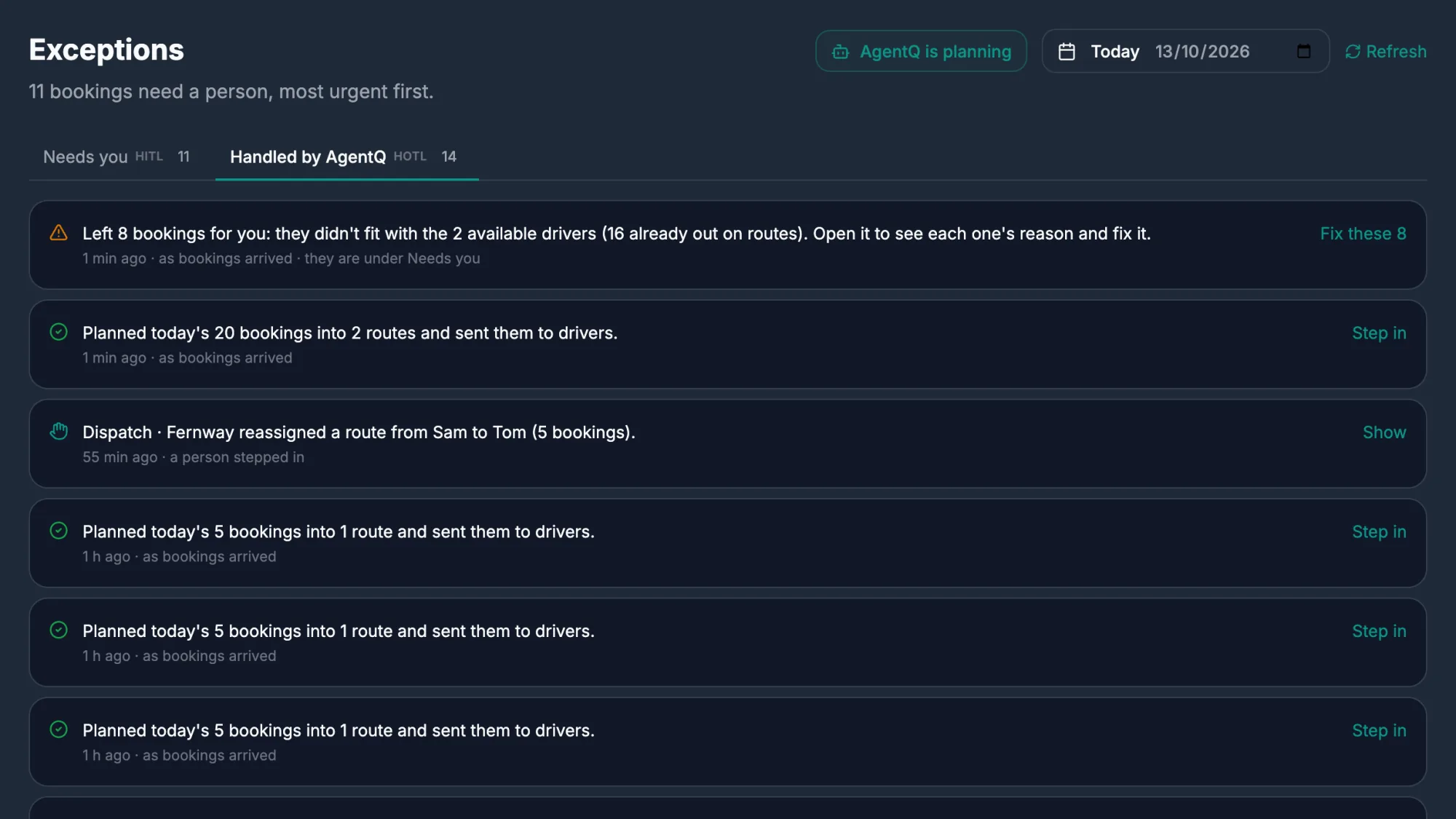
Delivery windows are hard limits. A booking that cannot make its window is left out with the reason, and appears under Needs you with one-click fixes.
Mark bookings express, standard or bulk. When not everything fits, that order decides what is dropped.
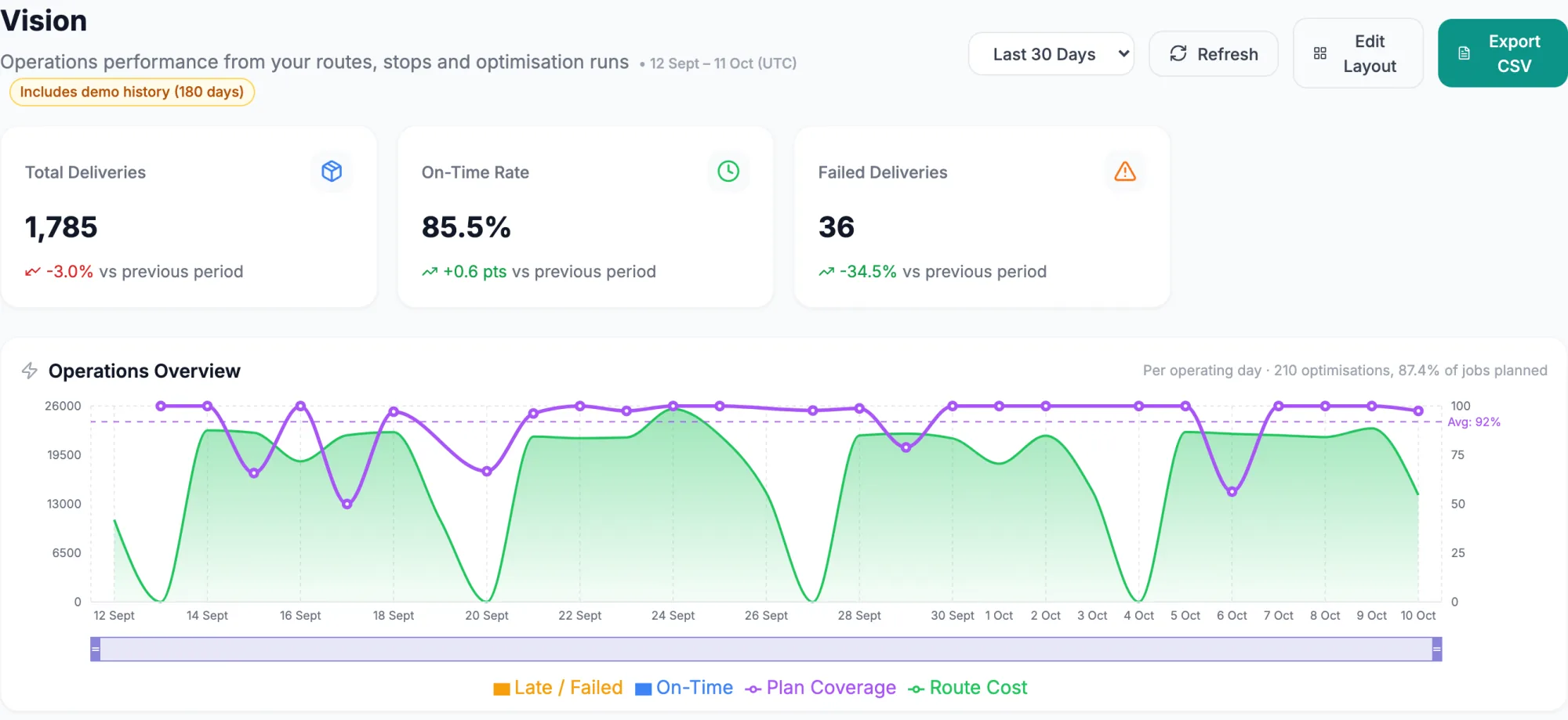
Let AgentQ run a month of your routes.
You get an ROI report at the end with your numbers, measured on your operation.