Omnio
OmnioIQ · Solutions
Build on the public API.
Connect a client's order, warehouse or finance systems to OmnioIQ. The API is documented, the webhooks are signed, and each workspace has its own docs page.
Public API
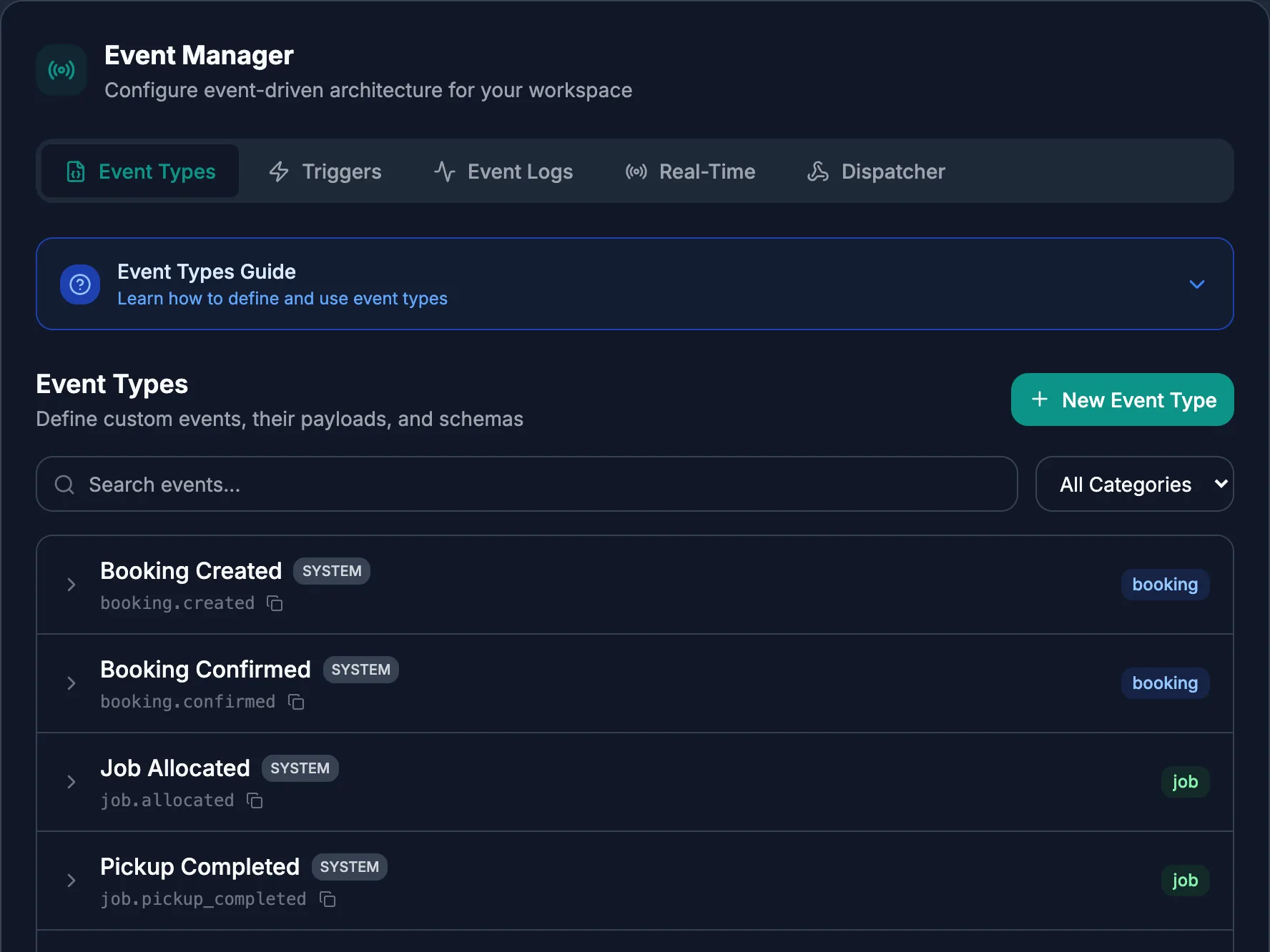
Version 1, one route set.
Create and read bookings, drivers, vehicles, depots, zones, routes and tracking. Call the optimise endpoint to plan a set of bookings.
Access uses tokens from your workspace sign-in.
Webhooks
Hear about changes as they happen.
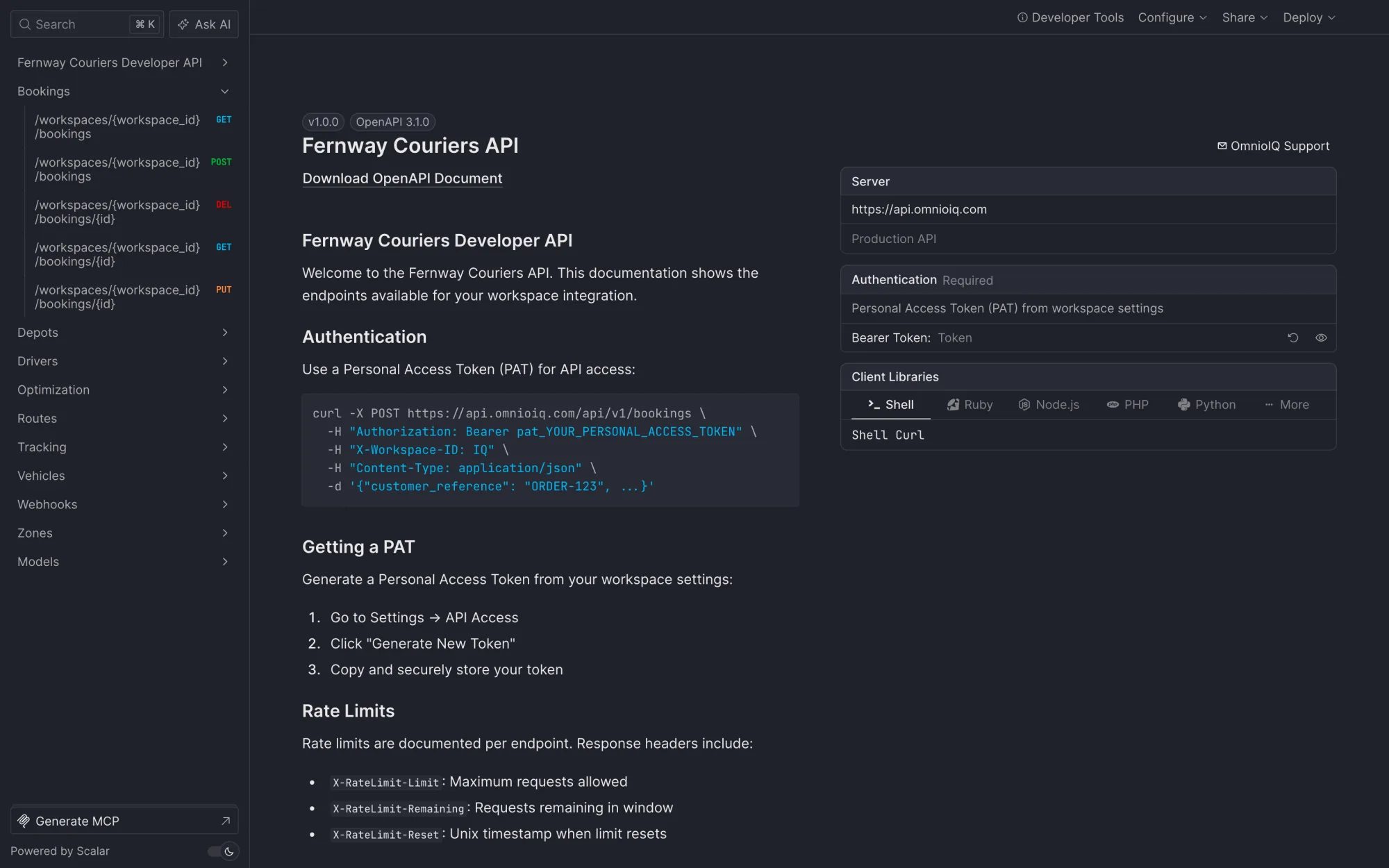
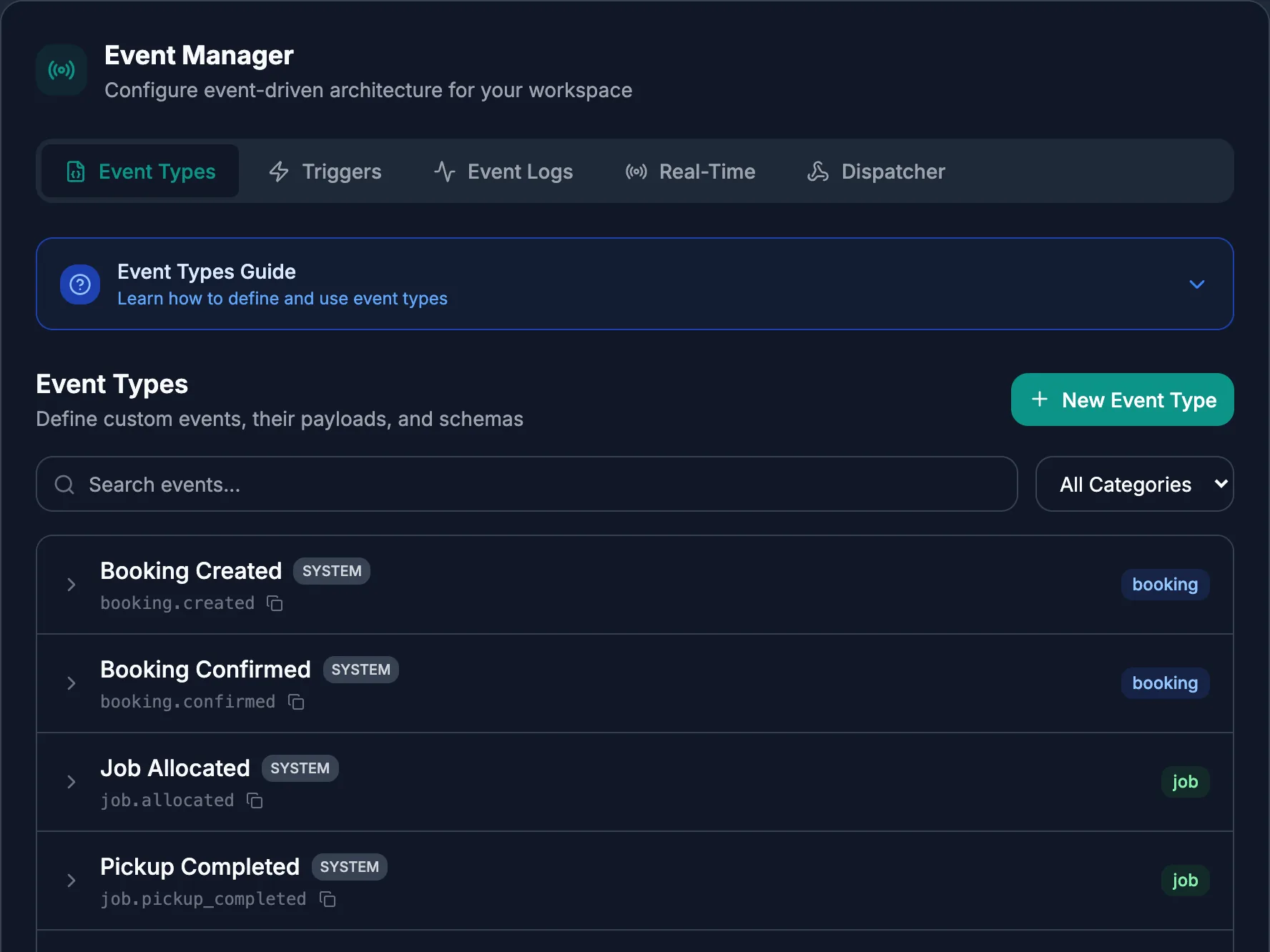
Register a webhook and OmnioIQ calls it when a booking changes. Each call is signed with HMAC, and failed calls are retried.
Per client
A workspace, a brand, a docs page.
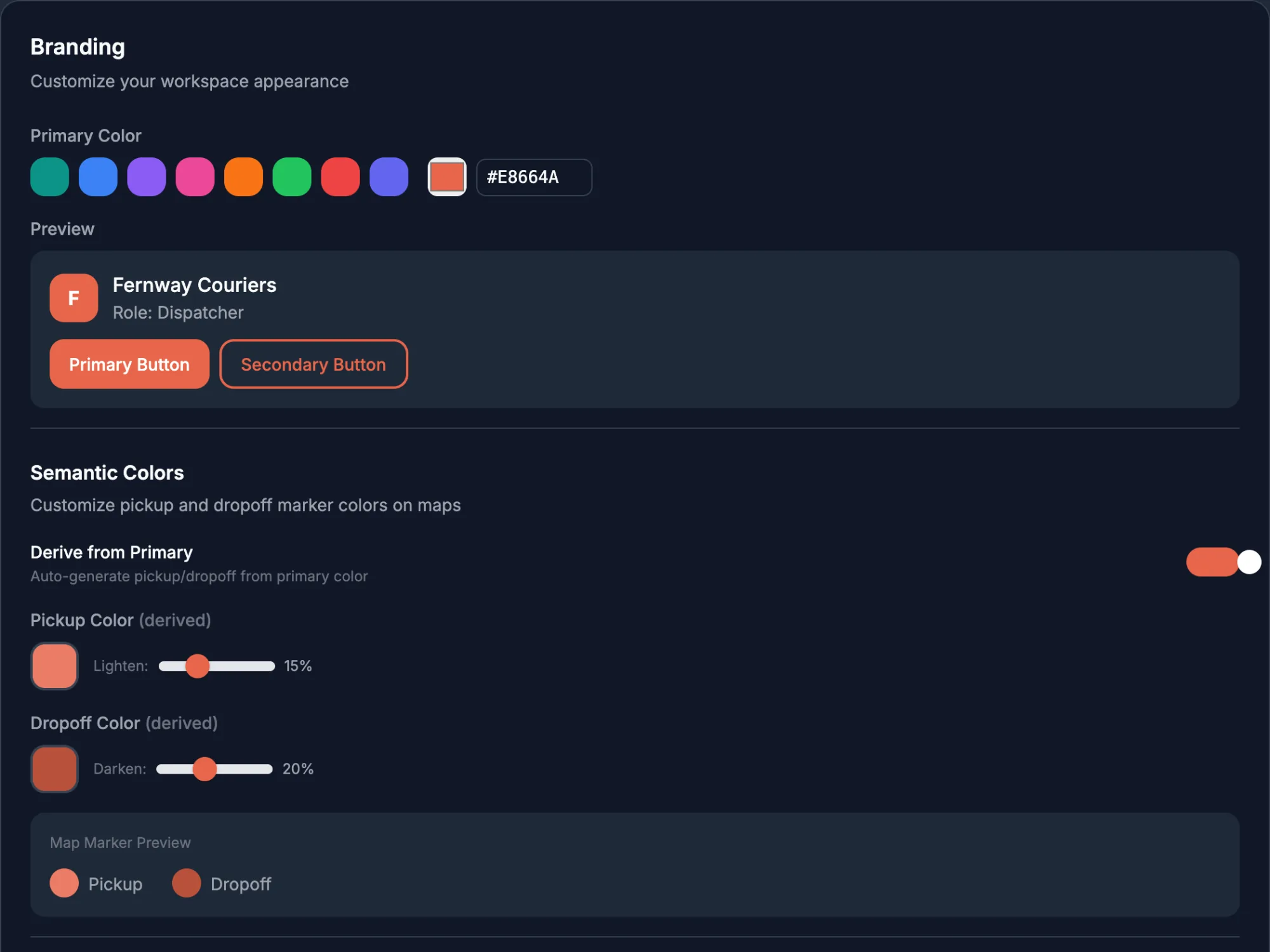
Each client has its own workspace with its own logo and colour. The docs page and API settings sit inside it, so you can hand a client what they need and nothing more.
Let AgentQ run a month of your routes.
You get an ROI report at the end with your numbers, measured on your operation.